Single purpose pages
You run Doing Work through your agent, in chat. The agent does the office work: quotes, invoices, visits, photos, texts and the rest.
A few steps really need a web page: a customer approving a quote, paying, signing, or an owner finishing a Stripe step. For those, Doing Work has a simple page that does one thing. The agent sends the link, and the person is done in a minute.
This page lists every one, who sees it, what it does and how it is reached. The pictures use demo data. For the short list, see Web screens.
For customers
These pages open from a link the shop sends. Pages with records for that one customer, like a quote, an invoice or the customer page, ask them to sign in with the email the shop has for them. No password is needed.
Quote
Address: /p/quote. For the customer.
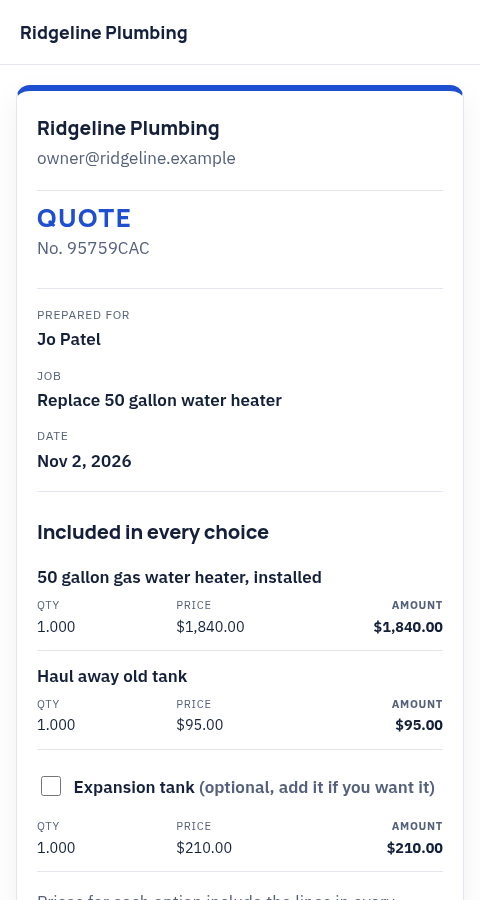
The customer reads the quote, picks an option, adds or leaves out optional lines, signs and pays a deposit if the shop asks for one. The shop's logo and colors are on the page and on the PDF.
The agent sends the quote with quotes.send, which emails the customer and returns sign_url. Only the customer can sign. The agent never signs for them.
Invoice and pay
Address: /p/invoice. For the customer.
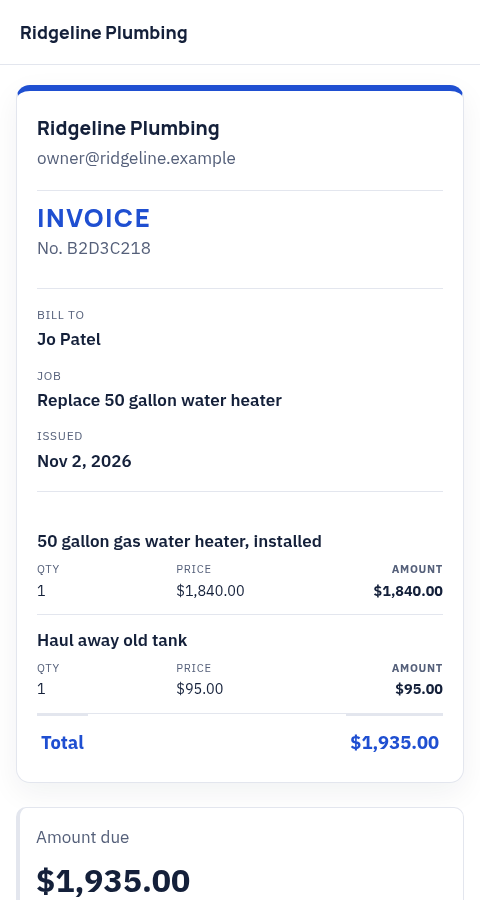
The customer reads the invoice and pays the balance by card or bank through Stripe.
invoices.send emails the invoice and returns pay_url.
Payment received
Address: /p/paid. For the customer.
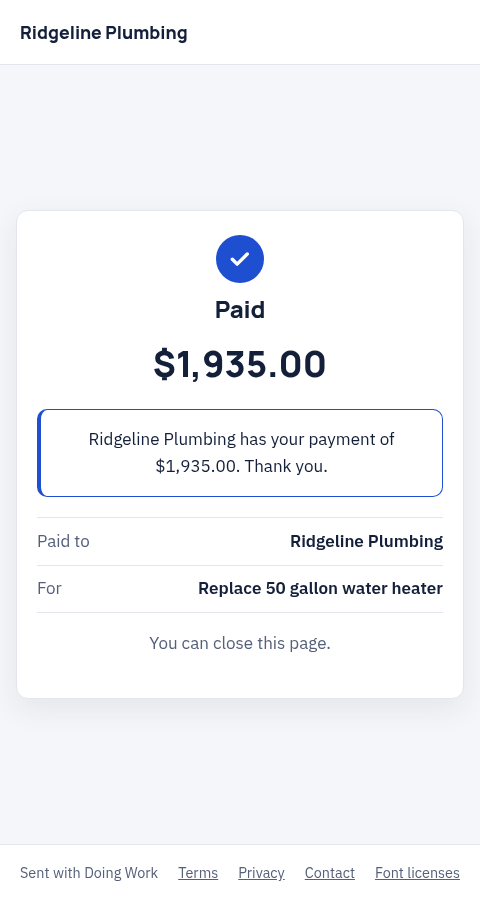
The page the customer lands on after paying at Stripe. It says the payment went through, as in this picture, or that it is still on its way.
Stripe sends the customer here on its own. Nobody needs to send this link.
Card saved
Address: /p/card-saved. For the customer.
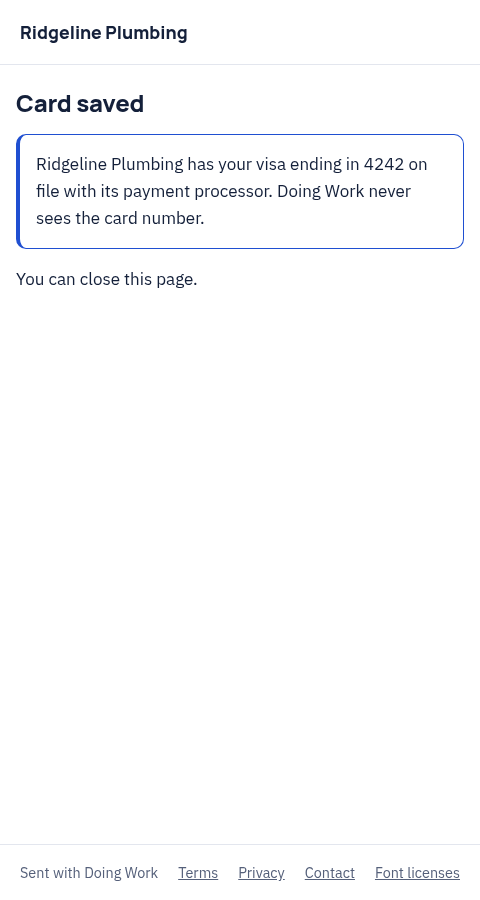
Shown after the customer saves a card at Stripe so the shop can charge it later, for example for a maintenance plan. It says the card is saved, as in this picture, or that Stripe is still confirming.
cards.setupLink gives the link to Stripe. Stripe sends the customer back here.
Save the card again
Address: /p/card-resave. For the customer.
When the shop moves to a new Stripe account, for example after a hand off to a new owner, cards saved on the old account can no longer be charged. The customer opens this page and saves their card again with one button.
The link is in the email Doing Work sends the customer about it. auth.sendLink with screen card can send a fresh link. The page runs cards.resave.
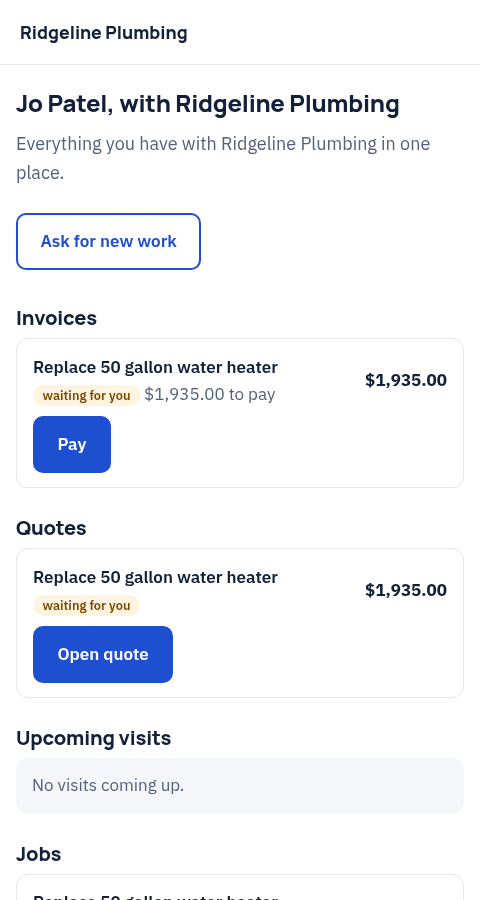
Customer page
Address: /p/hub. For the customer.
Everything the customer has with the shop in one place: invoices, quotes, upcoming visits and jobs. They can ask to move a visit or ask for new work here.
hub.createLink returns the link. The agent sends it to the customer.
Ask for work
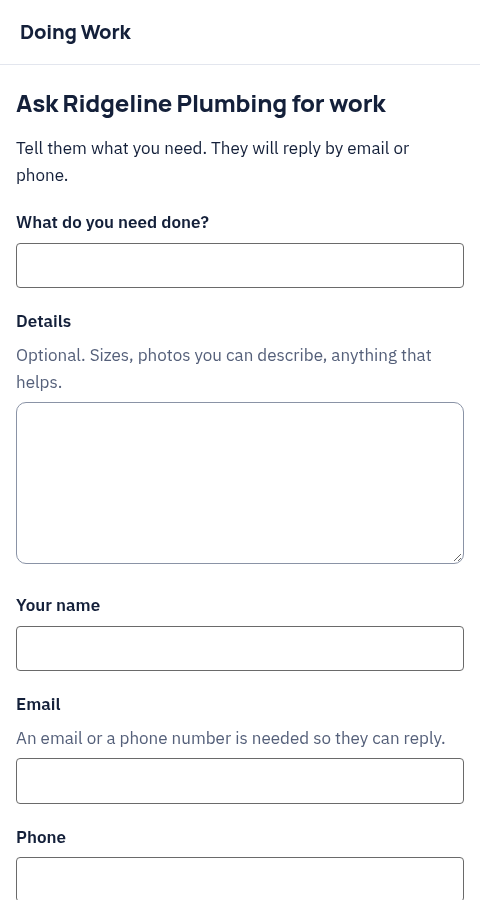
Address: /p/request. For anyone the shop shares it with.
A short form to ask the shop for work. The request goes only to that shop.
requests.formCreate gives the shop a form key. The page lives at /p/request?k= with that key, and the shop can link to it from its own site or messages.
Sign a document
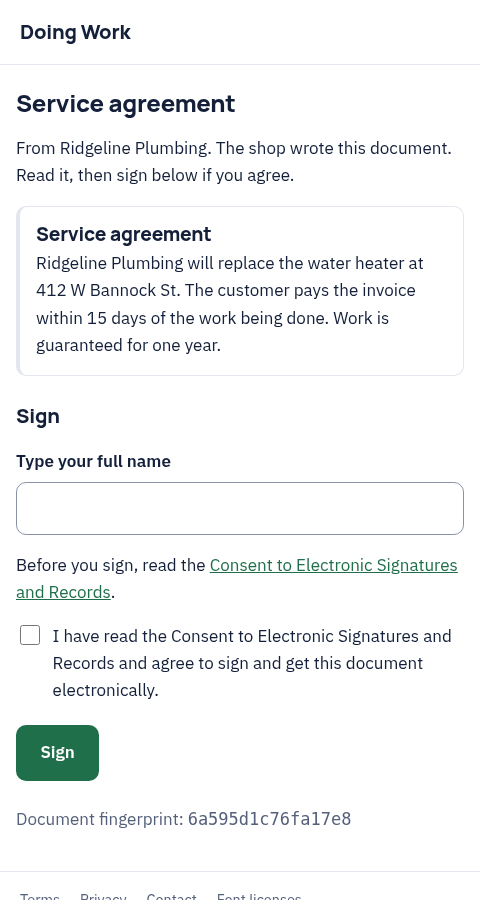
Address: /p/signature. For the customer, or a shop member when the shop asks.
The signer reads a contract or a job document the shop wrote and signs it. The signed copy is kept with the job.
signatures.request returns sign_url and emails the signer.
Confirm the work
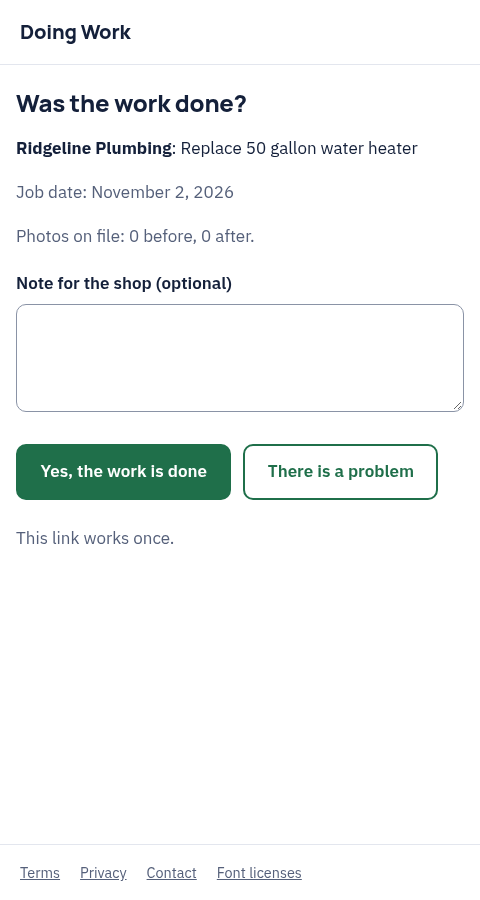
Address: /p/job. For the customer.
The customer says whether the work was done.
jobs.requestConfirmation returns confirm_url.
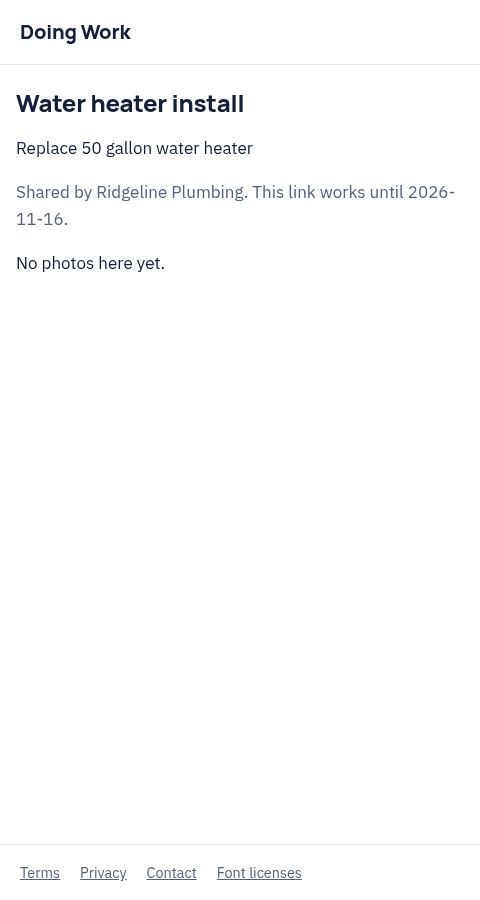
Shared photos
Address: /p/share. For anyone with the link.
Photos from a job, with markup and the daily log if the shop includes them. The link stops working on the date the shop picks.
shares.create returns the link.
Texts and calls consent
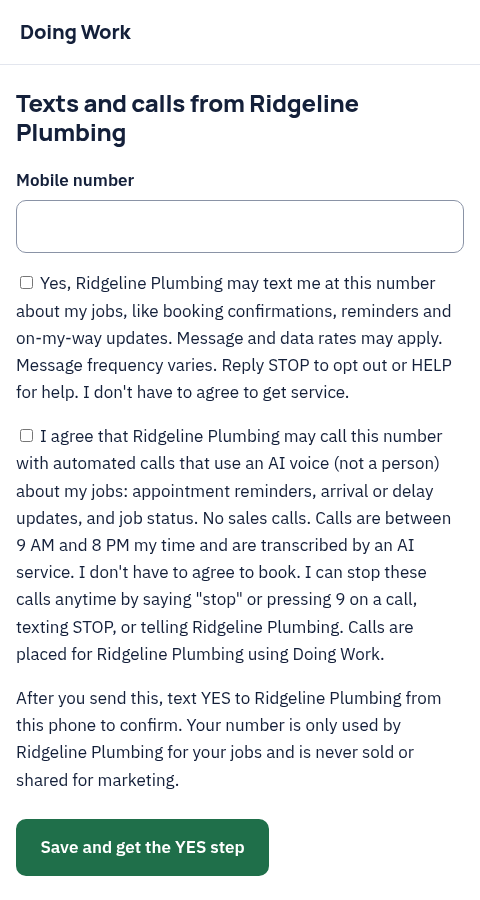
Address: /p/phone-consent. For the customer.
The customer agrees to texts and calls from the shop about their jobs. Texts and AI voice calls are separate choices. No sign-in is needed.
The shop shares the page at /p/phone-consent?shop= with its shop id, for example on its site or a card. The agent can read the answers with phone.consents.
Unsubscribe
Address: /p/unsubscribe. For the customer.
One button that stops emails such as review requests from that shop.
The link is at the bottom of each review request email. Nobody needs to send it.
For people outside the shop
Subcontractors and shops that are not on Doing Work yet see these.
Subcontractor job page
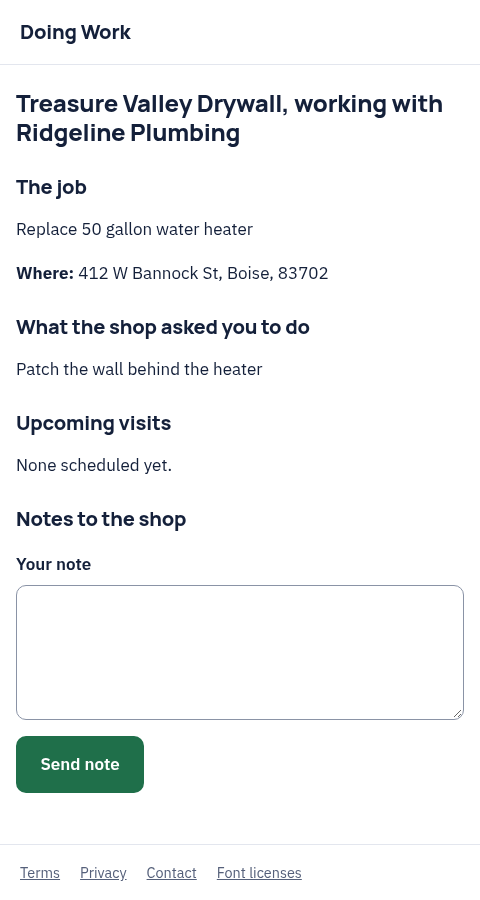
Address: /p/sub. For a subcontractor.
The subcontractor sees the job address, the scope the shop gave them and the shop's notes, and can send a note back.
subs.add returns the link and emails it.
Quote a found job
Address: /p/quote-job. For a shop with no Doing Work account.
A shop Doing Work reached out to about a job can read it and send its own quote, with no account and no agent.
The link is in the message Doing Work sends that shop. When the shop later joins, network.claimGuestQuote moves the quote into its account.
Stop outreach
Address: /p/outreach-stop. For a shop with no Doing Work account.
One page that stops all further requests to that shop's site for good.
The link is in every outreach message.
For workers
Join a shop
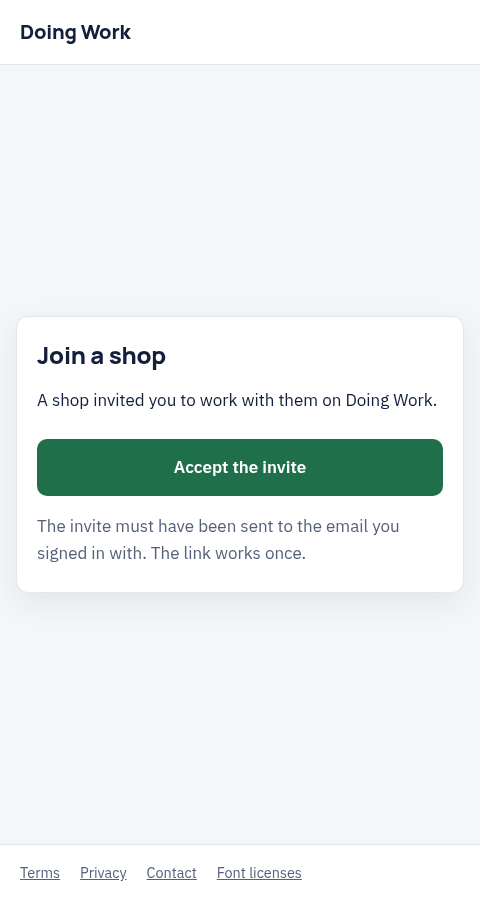
Address: /p/invite. For a new worker or office member.
The person joins the shop with the email the invite went to. The link works once.
members.invite emails the invite. If it got lost or ran out, members.resendInvite cancels the old link and sends a new one to the same email with the same role. Only the owner or office can invite or resend.
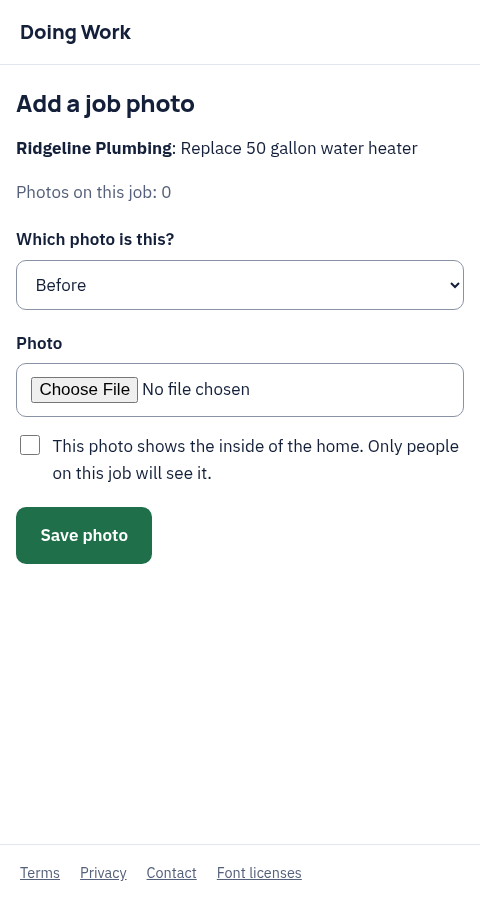
Job photos
Address: /p/capture. For a worker.
Add photos to a job from a phone browser.
In chat the agent uses media.requestUpload instead. auth.sendLink with screen capture sends a link to this page. The owner or office can send it to a worker with members.sendPage and screen capture. It only goes to a worker on a visit for that job, or to the owner or office.
Calendar feed
Address: /p/calendar.ics. For a worker, or the shop.
A private calendar feed of visits that Google Calendar, Apple Calendar or Outlook can subscribe to. It is a feed, not a page to read.
calendar.createFeed returns url and webcal_url.
For the owner and office
Most of these are a single step that needs a person in a browser, such as Stripe setup or a legal step. The agent sends a sign-in link that opens the right page with auth.sendLink.
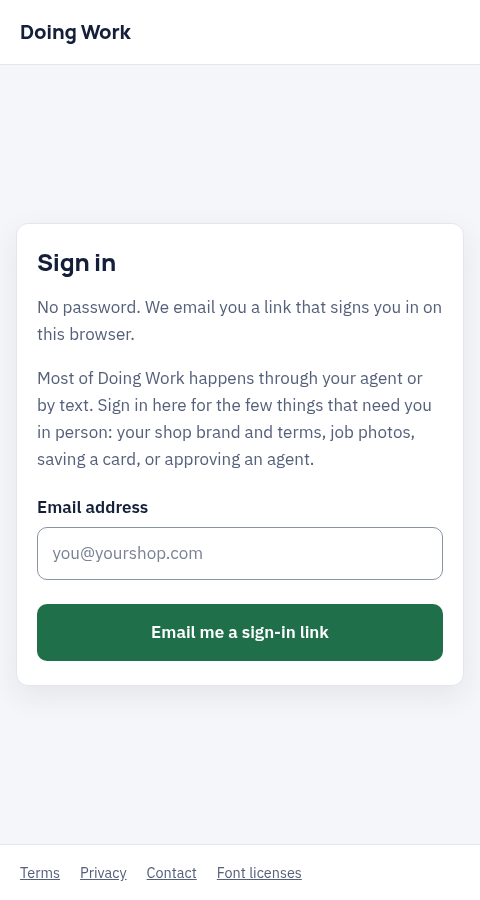
Sign in
Address: /p/sign-in. For anyone with a Doing Work account.
No password. Doing Work emails a link that signs the person in on this browser.
auth.requestLink or auth.sendLink.
Set up a shop
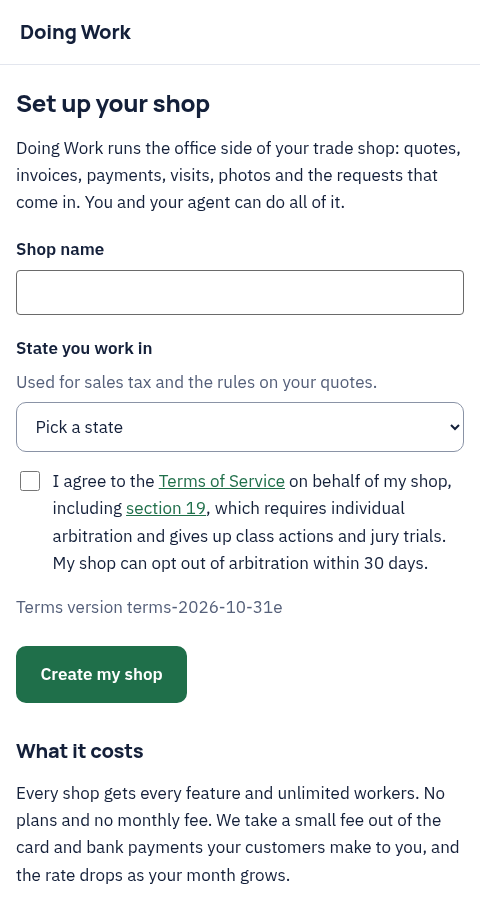
Address: /p/start. For a new owner.
Create the shop and accept the terms.
auth.sendLink with screen start.
Connect an agent
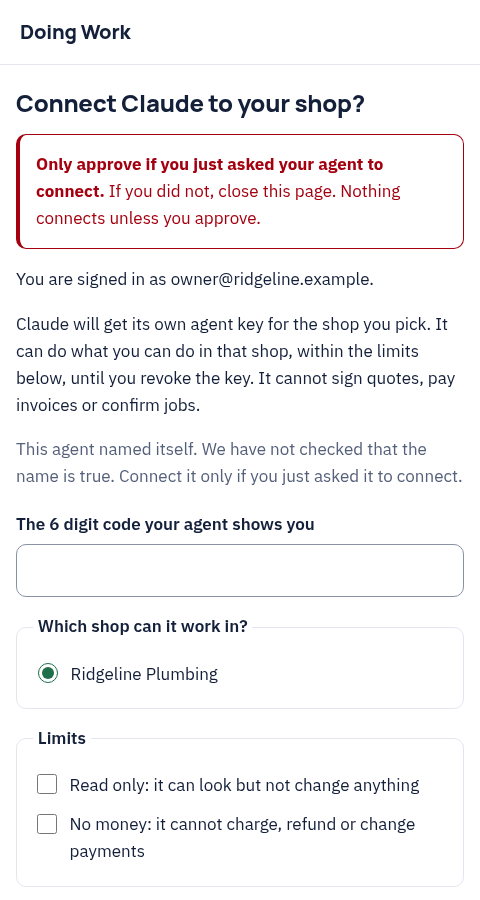
Address: /p/agents/claim. For the owner.
The owner approves an agent that asked to connect. Nothing connects unless they approve.
agents.register returns claim_url. The agent shows the owner the link.
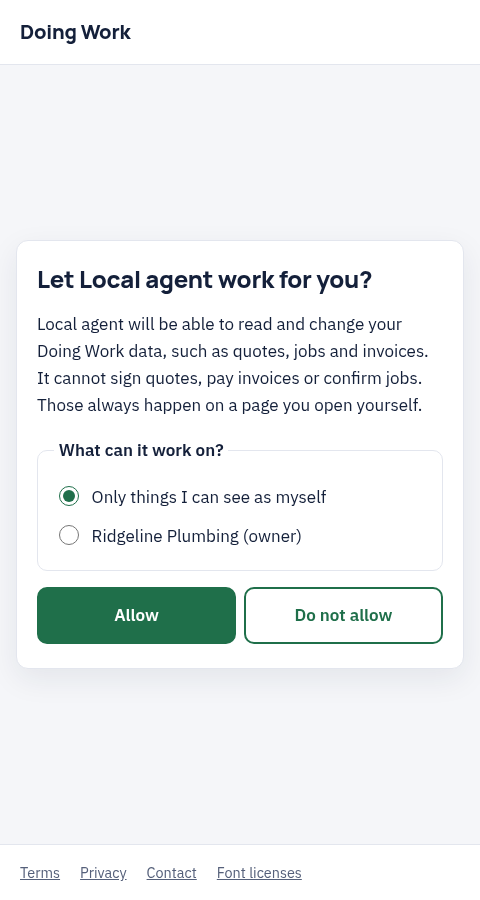
Allow an agent
Address: /p/oauth/authorize. For the owner, office or worker.
The OAuth consent page. It lists what the agent can do, and what it can't, such as signing quotes or paying invoices.
The agent's own sign-in opens it. See Connect an agent.
Connect payments
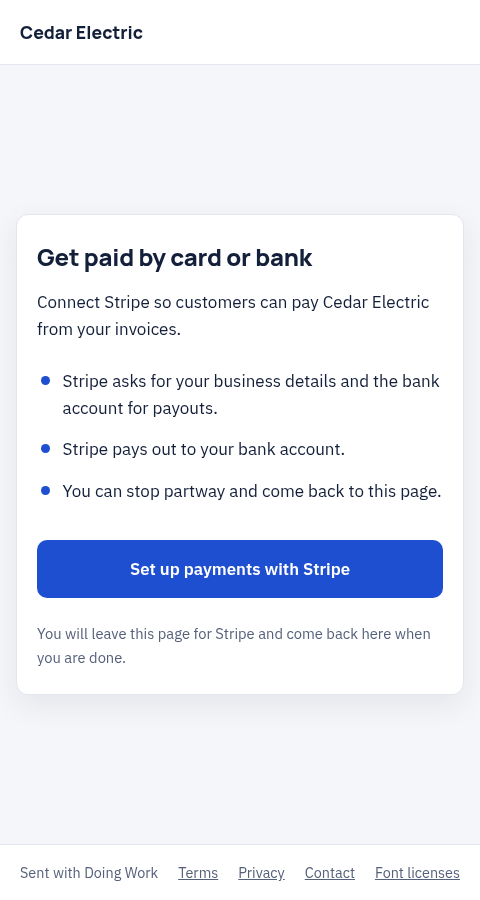
Address: /p/payments/connect. For the owner.
One button that takes the owner to Stripe to set up card and bank payments. They can stop partway and come back.
payments.connectLink returns the link. auth.sendLink with screen payments also works.
Shop terms
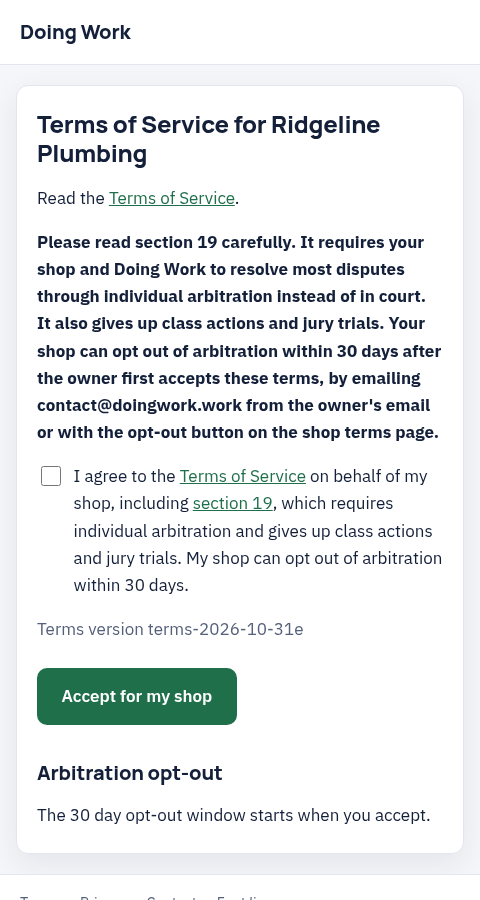
Address: /p/shop/terms. For the owner.
Read and accept Doing Work's terms for the shop, or opt out of arbitration within the window.
legal.shopTerms returns page_url.
Subcontractors and suppliers
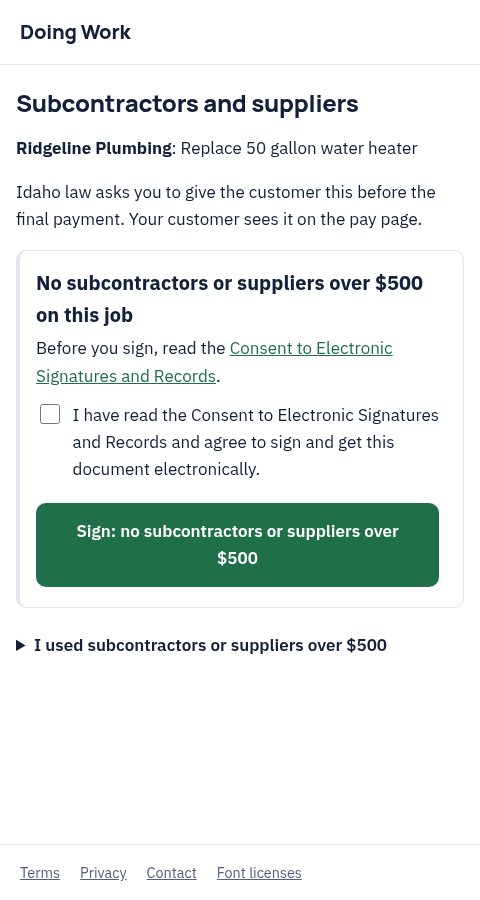
Address: /p/subcontractors. For the owner or office.
The list some states ask a shop to give the customer before the final payment. The customer sees it on the pay page.
subcontractors.prepare fills it in from chat. auth.sendLink with screen subcontractors opens the page.
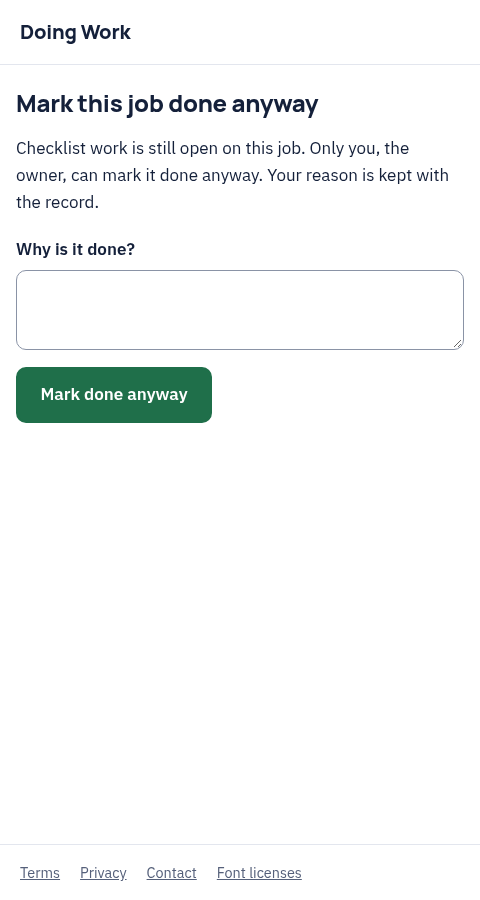
Mark a job done anyway
Address: /p/checklist/override. For the owner.
When a checklist still has open items, only the owner can mark the job done anyway, with a reason that is kept.
jobs.complete and visits.done point here when they refuse with checklist_open. members.sendPage with screen override sends the owner a link for a job or visit in the shop. It never goes to a worker or office member.
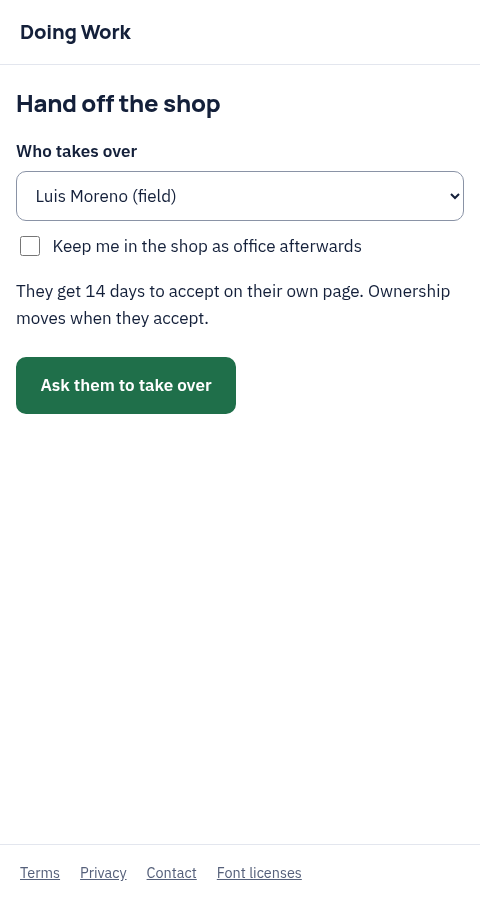
Hand off the shop
Address: /p/shop/transfer. For the owner, and the new owner.
Start a hand off to another member. They get 14 days to accept on their own page.
shops.transferStart runs here. auth.sendLink with screen transfer.
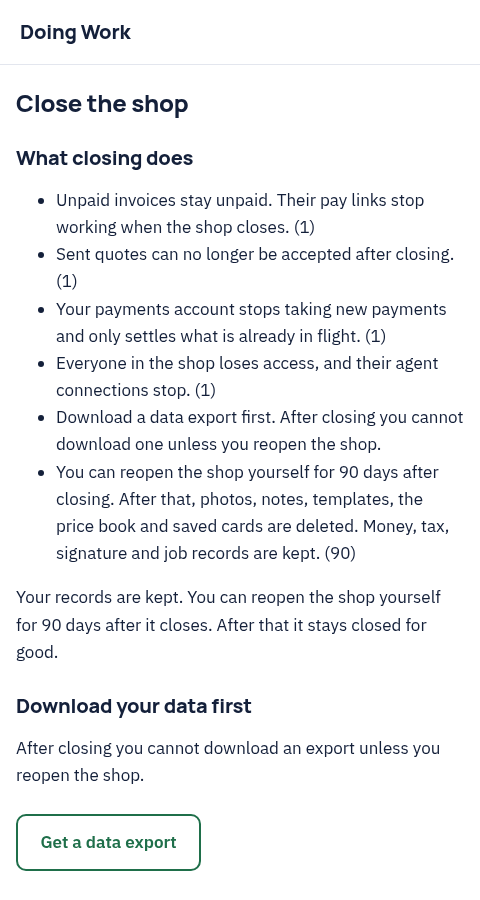
Close or reopen the shop
Address: /p/shop/close. For the owner.
Close the shop, with an export first. The owner can reopen it at /p/shop/reopen for 90 days.
shops.closeCheck tells the agent what is in the way. auth.sendLink with screen close.
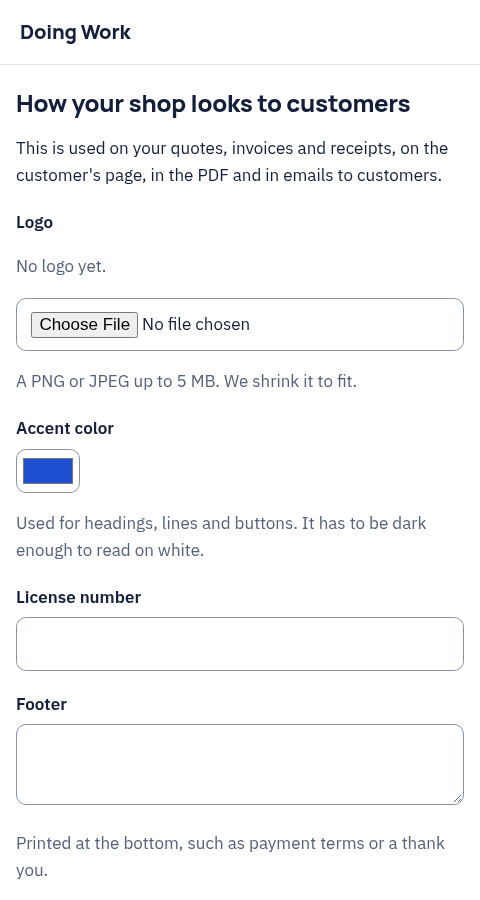
Brand
Address: /p/shop/brand. For the owner.
Logo, accent color, license number and footer for quotes, invoices and customer emails. Optional: the agent can do the same with shops.setBrand.
auth.sendLink with screen brand.
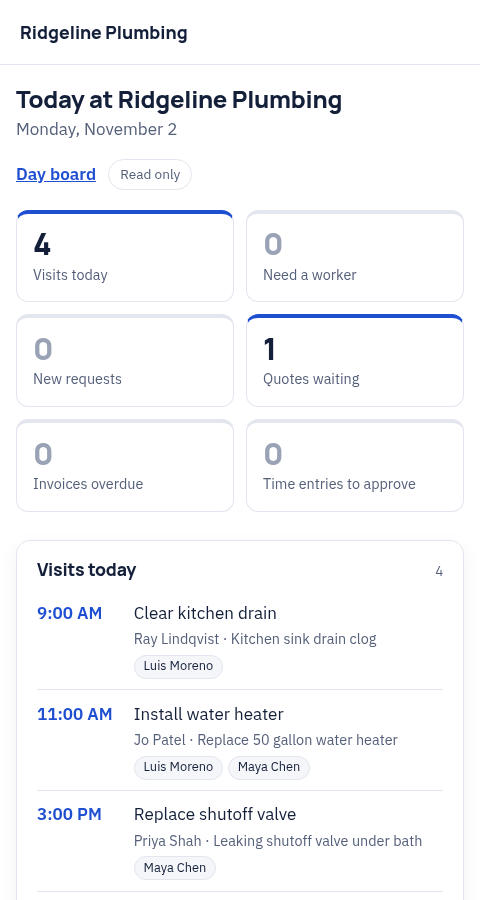
Today
Address: /p/shop/today. For the owner and office.
The shop's day on one page: visits, visits that need a worker, new requests, quotes waiting and overdue invoices. Read only.
reports.today gives the agent the same numbers. auth.sendLink with screen today.
Day board
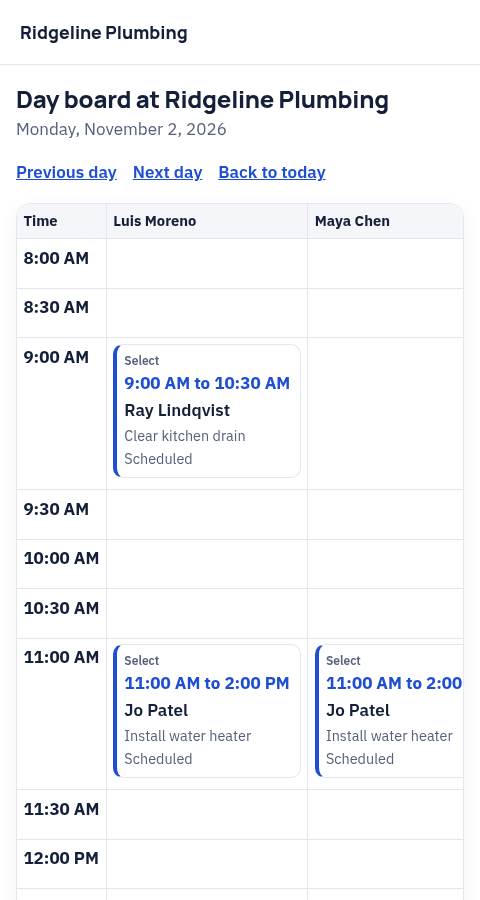
Address: /p/shop/board. For the owner and office.
One day as a column for each worker. Drag a visit to another worker or time and it saves.
In chat the agent uses routes.day and routes.apply. The board opens from a link on Today. members.sendPage with screen board sends it to an owner or office member, never to a worker.
Prices
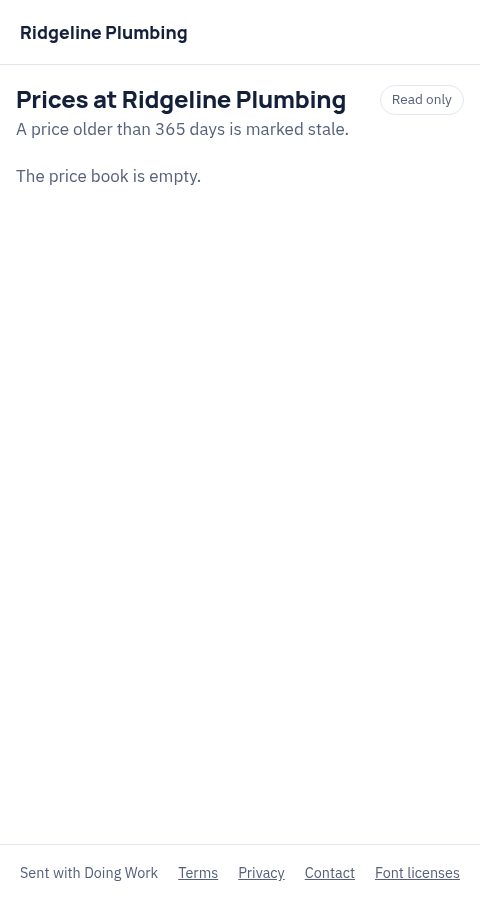
Address: /p/shop/prices. For the owner and office.
The price book in a table, with how old each price is.
pricebook.list and pricebook.saveItem cover the same in chat. auth.sendLink with screen prices.
Restart texts
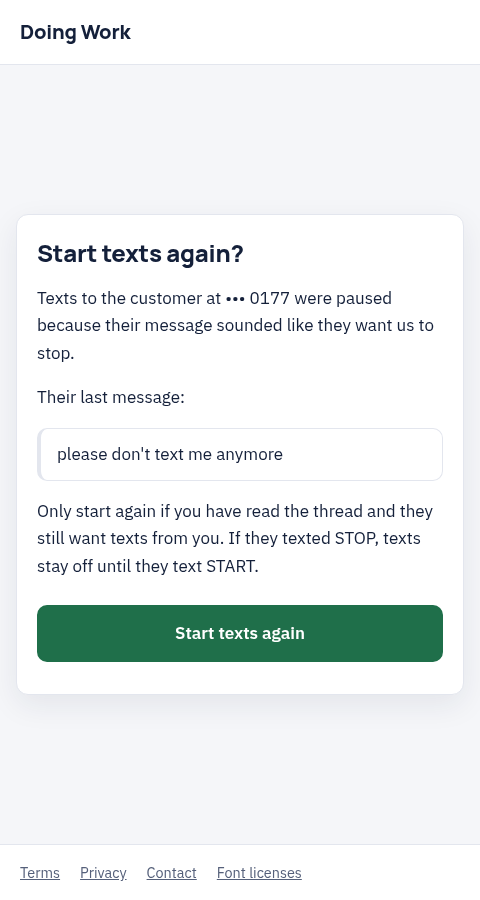
Address: /p/phone/resume. For the owner.
When texts to a customer paused because their message sounded like they want to stop, the owner reads it and restarts texts with one button. If they texted STOP, texts stay off until they text START.
phone.resumeThread restarts from chat with the owner's yes and returns resume_url for this page. auth.sendLink with screen resume.
Export
Address: /p/export. For the owner.
Downloads the shop's data as a zip file.
shops.export returns download_url.